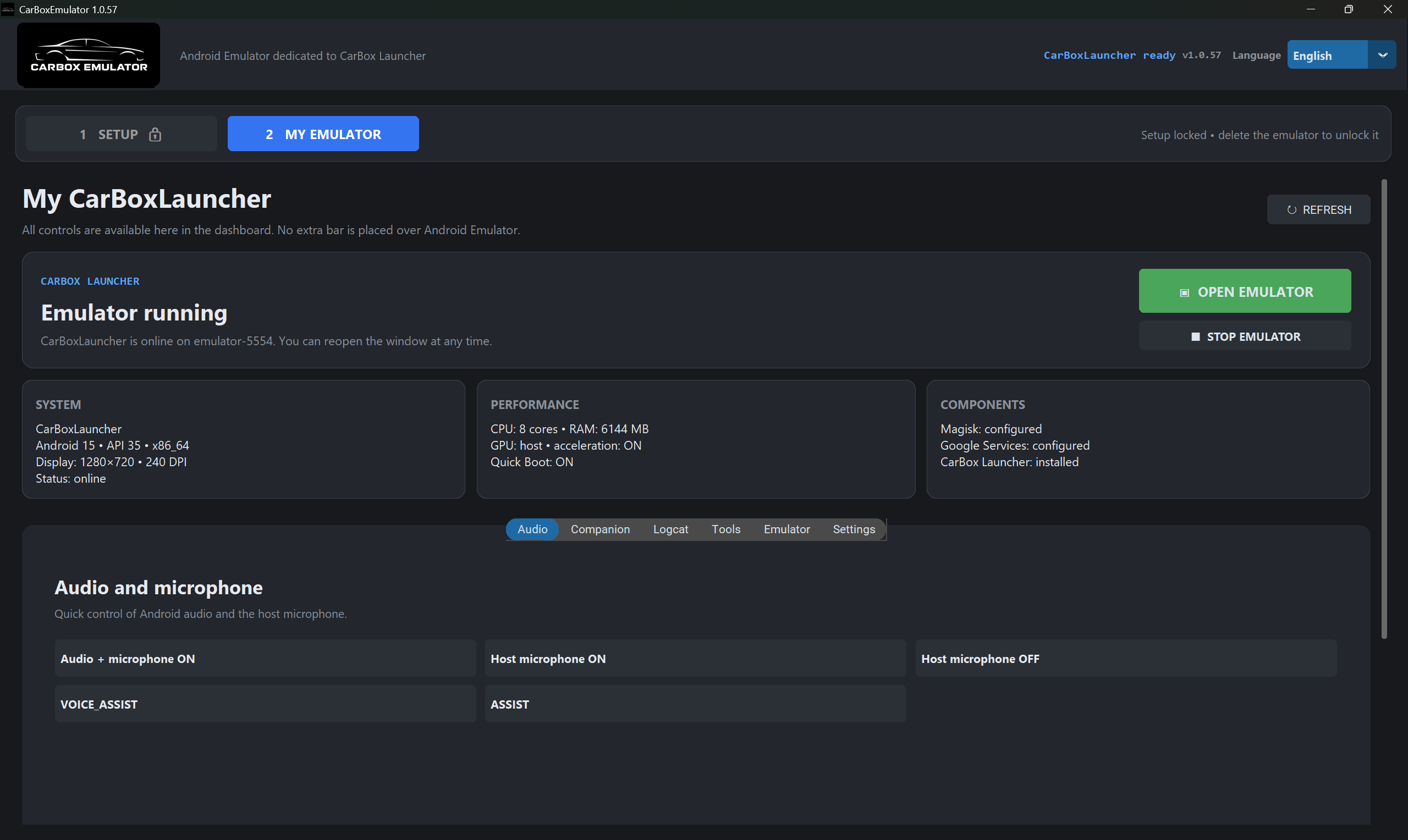
Audio control
Quick control of Android audio and the host microphone for real-world testing scenarios.

Android Emulator for CarBox
Dedicated Android emulator for testing CarBox Launcher on Windows: built-in setup wizard, dual-panel sandbox, theme testing and complete system control from one dashboard.
Android 15 · API 35 · Magisk · Google Play
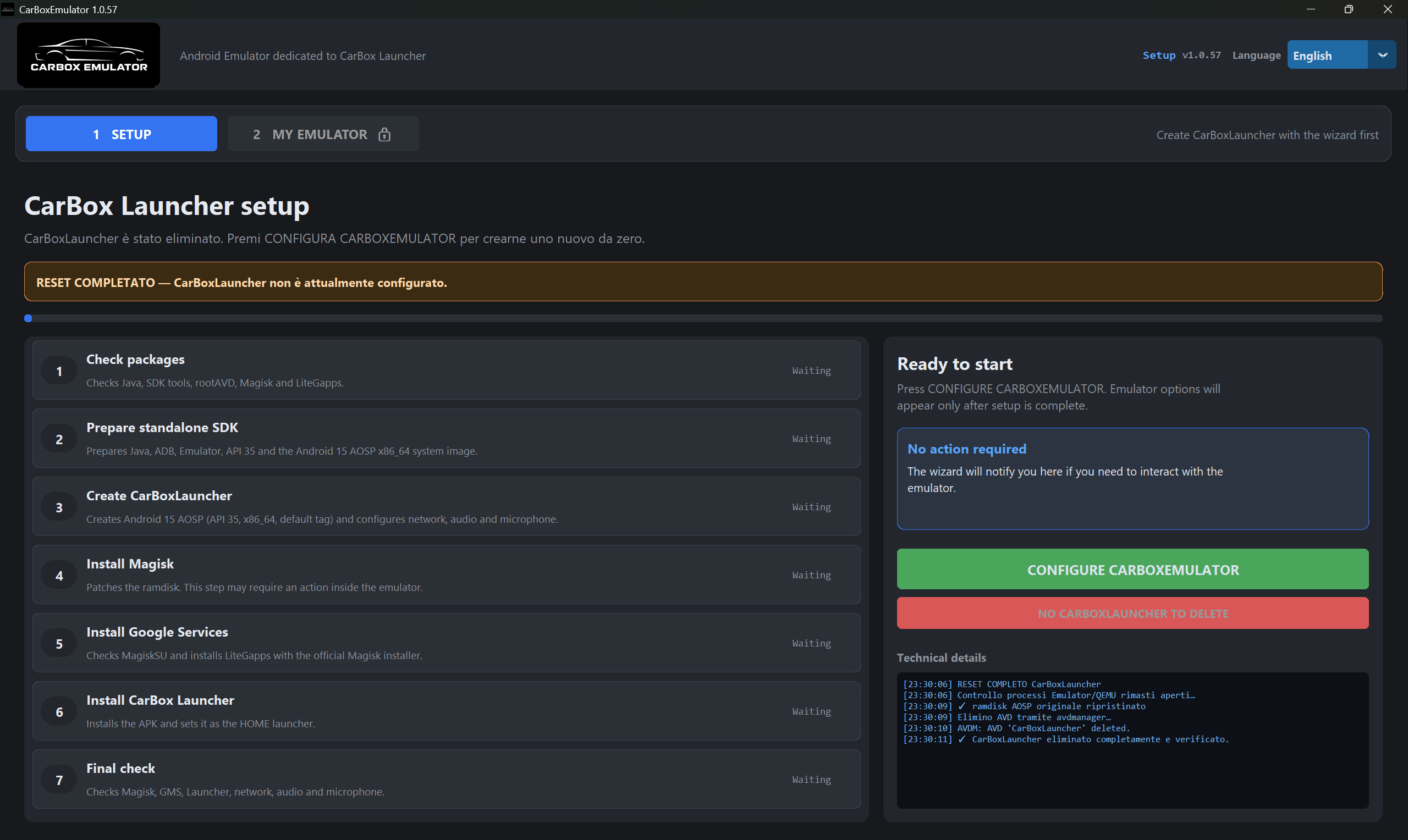
One-click setup
Press CONFIGURE CARBOXEMULATOR. The wizard installs everything: Java, SDK tools, rootAVD, Magisk, Google Play. Then creates a preconfigured CarBoxLauncher with network, audio and microphone ready to go.
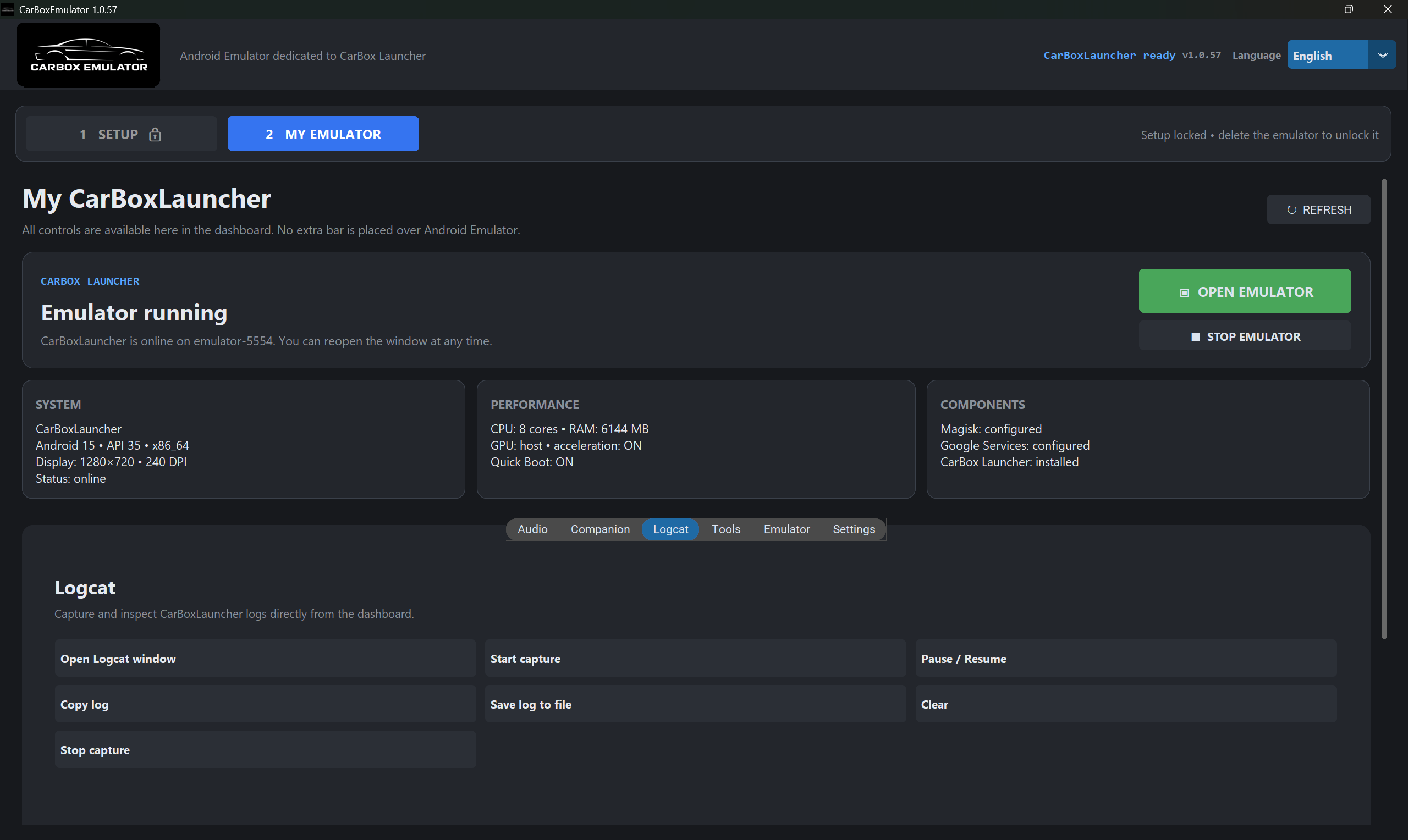
Emulator running
All controls are available here in the dashboard. No extra bar is placed over Android Emulator.
Audio and microphone
Quick control of Android audio and the host microphone for real-world testing scenarios.
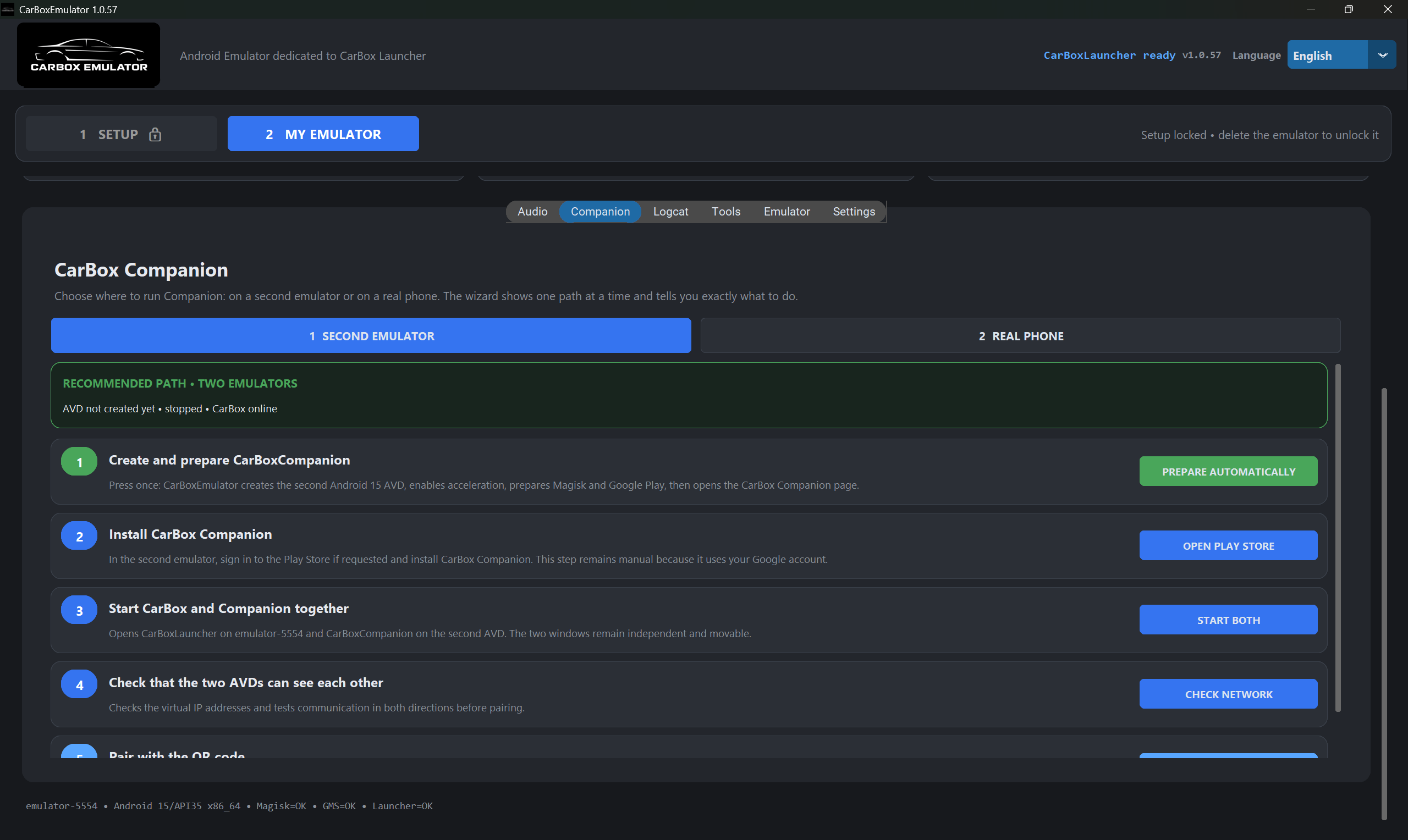
Choose where to run Companion: on a second emulator or on a real phone.
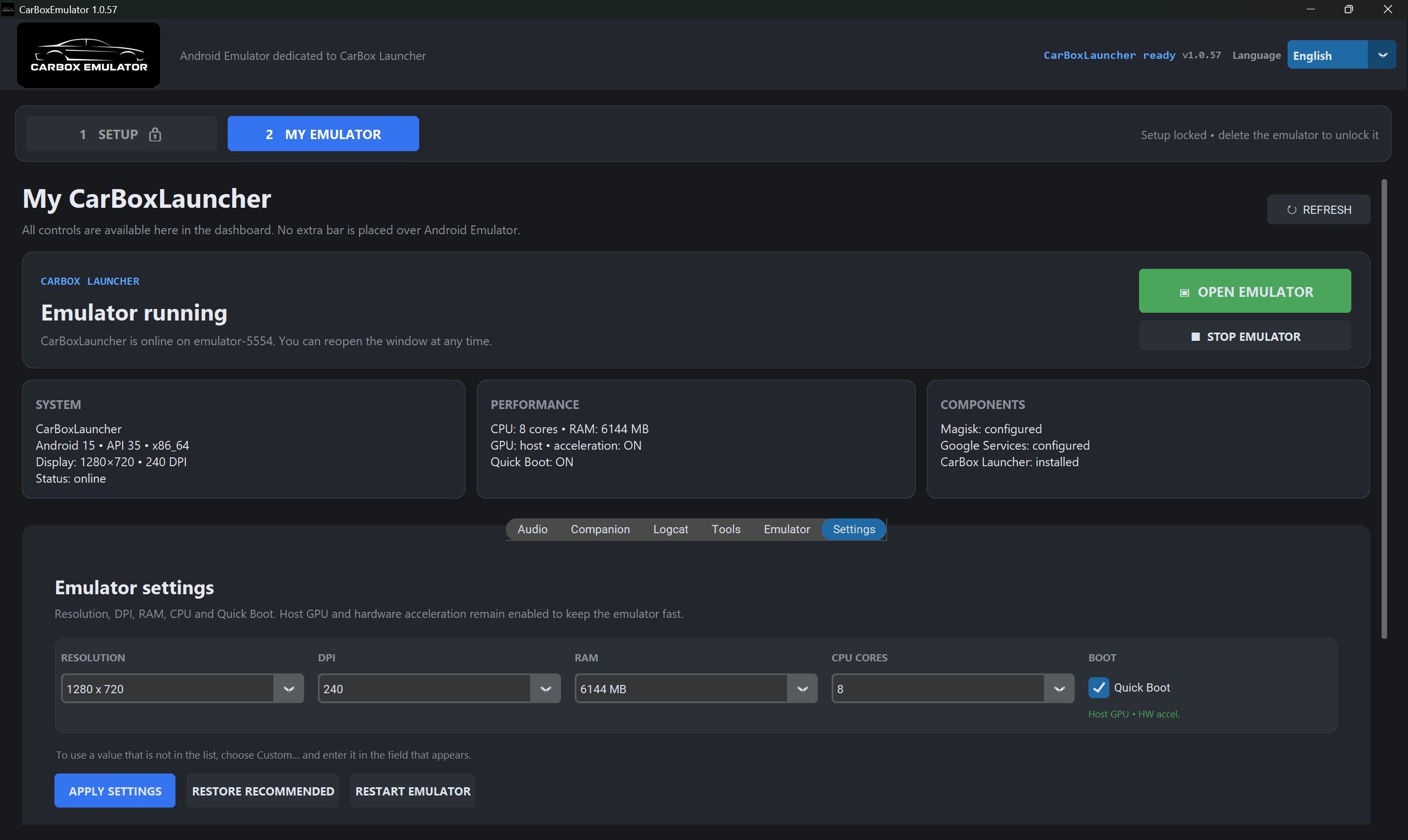
The wizard creates a second Android 15 AVD, enables acceleration, prepares Magisk and Google Play in one click.
Checks the virtual IP addresses and tests communication in both directions before pairing.
Open the connection screen in CarBoxLauncher and scan the QR code with Companion to pair instantly.
Test your custom themes directly on the emulator with all platform features and diagnostics available.
CarBox Companion
Run Companion on a second emulator to test the complete CarBox + Companion integration without touching your phone.
Getting started
Download and run CarBoxEmulator_Setup.exe on Windows 10 or 11.
Press "PREPARE AUTOMATICALLY" and let the wizard do the work.
Open the emulator dashboard and start testing CarBox Launcher with Companion.
CARBOX EMULATOR
Download the emulator and test CarBox Launcher with built-in Companion support.
Download EmulatorOne-click setup installs all dependencies automatically. No manual configuration needed.
More features